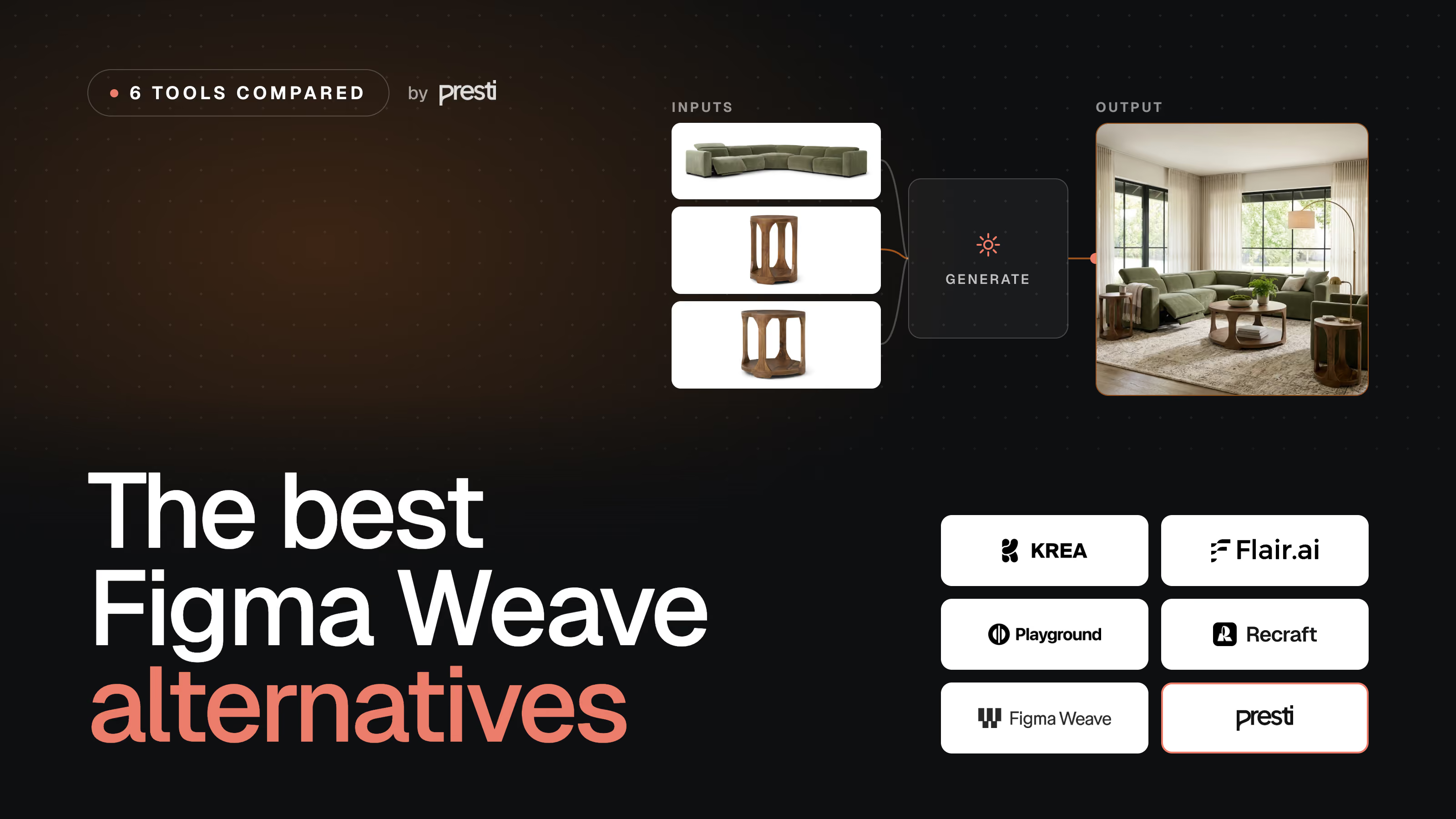
TL;DR
- The best Figma Weave alternative depends on how you want to work: keep operating a canvas or node graph by hand, or brief an agent and let it produce. For a hands-on canvas, Krea AI is the closest rival; to produce on-brand product visuals at scale, Presti is the pick.
- Krea AI is best for creatives who want a real-time canvas with a node workflow builder and every frontier image and video model in one place.
- Flair AI is best for marketers who want to art-direct product scenes and ad creatives on a drag-and-drop canvas.
- Presti is best for retailers and brands, because you brief it in plain language and it produces on-brand product photos, 360° spins and video at catalog scale, with team review.
- Playground is best for social and design images, with a simple app and a generous free tier.
- Recraft is best for designers who need vectors, icons and on-style illustrations, not just raster images.
Two ways to make AI visuals: operate a canvas, or brief an agent
Node-based visual tools had a real moment. Weavy, Freepik and Flora, among others, pushed the same idea, and in late 2025 Figma acquired Weavy, reportedly for more than $200M, turning it into Figma Weave. It is a striking tool: a node-based canvas in the browser that routes each step to a fitting model and lets you branch, remix and refine with hands-on edits like masking, relighting and color grading. Figma calls the idea “generative craft,” and that phrase is the whole point: the canvas is for people who want to steer every step themselves.
That is also the reason people look for an alternative. Operating a canvas or a node graph is powerful, but it is work: you place the nodes, pick the models, and drive each iteration. So the real question behind “Figma Weave alternatives” is not which tool has the most models. It is whether you want to keep operating the canvas, or hand the production to something that briefs like a teammate.
This guide compares six tools along exactly that line. Five are canvas or node tools you drive by hand: Figma Weave itself, plus Krea AI, Flair AI, Playground and Recraft. One, Presti, takes the other approach: you describe the outcome, it asks questions, plans the work and produces in batch. Presti is our own product, so we hold its section to the same standard as the rest and are upfront about where a canvas is the better choice.
How we compared these Figma Weave alternatives
We did not run a scripted benchmark across all six tools, so this comparison includes no quality scores. Output quality depends heavily on the model you pick and the prompt you write, and most of these tools route to the same frontier models anyway, so a single score would mislead. Instead we compared them on the things that decide whether the tool fits how you work, all read from each vendor's own pages on 18 August 2026.
- How you work: do you operate a canvas or node graph by hand, or brief an agent that plans and produces?
- Outputs: images, video, vectors, 3D, and whether the tool is built for one-off craft or repeatable production.
- Model breadth: how many image and video models you can reach without juggling subscriptions.
- Brand consistency and review: can it hold one look across a catalog, and does it have team roles and sign-off?
- Real cost and rights: the monthly price and credits, and whether output is licensed for commercial use.
One note on pricing. We quote standard monthly billing where a vendor publishes it; annual plans are usually cheaper. Where a tool meters credits, we say what the plan includes rather than invent a precise cost per image. Where a figure is not published clearly, we flag it.
Figma Weave alternatives at a glance
| Tool | Type | Best for | Entry price (monthly) | Free tier | Watch-out |
|---|---|---|---|---|---|
| Figma Weave | Node-based AI media canvas | Designers and VFX pros who want to craft each shot | Starter $24 | Yes (150 credits) | Hands-on canvas; no API yet; credits meter every step |
| Krea AI | Real-time AI creative canvas + nodes | Creatives wanting every model on one canvas | Basic $9 | Yes (100/day) | Heavy video use burns credits fast |
| Flair AI | AI scene and product canvas | Marketers art-directing product scenes and ads | Pro $10 (license from $35) | Yes (5 images) | Product fidelity can distort fine text or reflective surfaces |
| Playground | AI image and design app | Social and design images on a budget | Pro $15 | Yes | Image only, no video; credit caps on top models |
| Recraft | AI design tool (vector + raster) | Designers needing vectors, icons and on-style art | Basic $12 | Yes (no commercial) | Design-focused; no video; free output is non-commercial |
| Presti | AI product photography agent | Retailers and brands producing on-brand visuals at scale | Pro from $49 | Yes (60 credits) | Built for product visuals and volume, not free-form art |
Pricing and free-tier details verified on 18 August 2026. Entry price is the cheapest paid plan. This category moves fast, so re-check each vendor's pricing page.
Figma Weave: the tool you are comparing against
Figma Weave is an AI-native media platform, built from the Weavy tool Figma acquired. You work on a node-based canvas: generate an image or a clip, then branch it, remix it and refine it with professional edits like object masking, relighting and color grading. It routes each node to a fitting model, naming Seedance, Sora and Veo for video and Flux, Ideogram, Nano-Banana and Seedream for images. It handles images, video, animation and visual effects, and it is aimed at people who want to push past the first prompt: designers, VFX artists, marketers and enterprise teams.
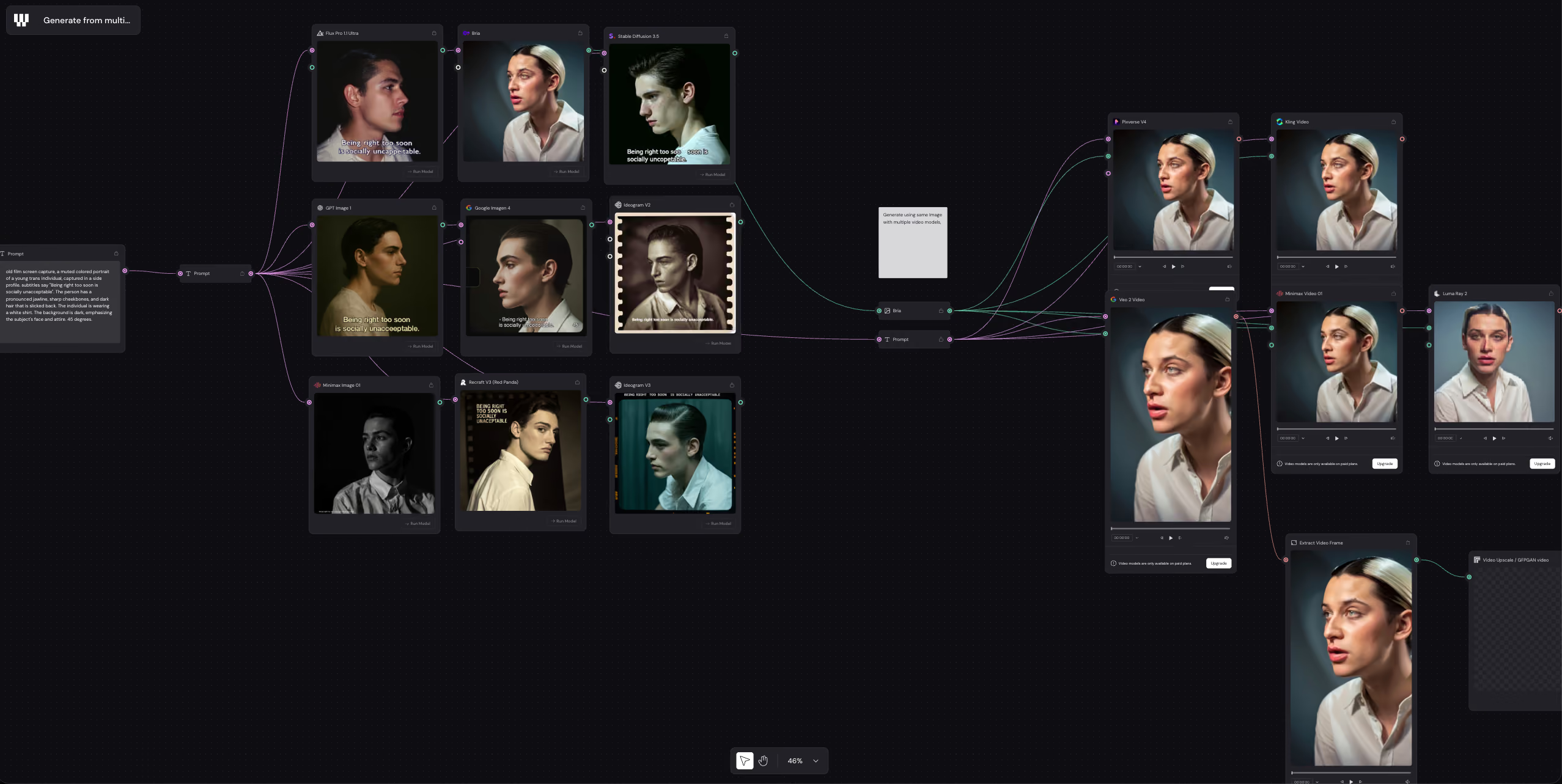
Best for: designers, VFX artists and creative teams who want a hands-on node canvas to craft and refine each shot across many models.
Where it falls short. The canvas is powerful but manual, so it rewards craft time rather than volume, and it is not built to keep a whole product catalog on-brand on its own. There is no public API yet (Enterprise only, coming), and because every step spends credits, heavy iteration adds up.
Pricing. On standard monthly billing, Free gives 150 credits a month and up to 5 workflows, Starter is $24 (1,500 credits), Professional is $45 (4,000 credits) and Team is $60 per user (4,500 credits each), with Enterprise on a custom quote. Annual billing is roughly 20% cheaper. Unused credits roll over up to three months on Professional and Team, and top-ups run about $10 for 1,000 to 1,200 credits. Each model node shows its own credit cost, so budget by how much you iterate.
The other canvas and node tools
These four tools share Figma Weave's core idea: an interface you operate yourself, whether that is a real-time canvas, a node graph, or a design surface. They differ in focus, from every-model creative canvases to design-specific and product-specific ones.
Krea AI: the closest all-model canvas
Krea AI is the nearest like-for-like: a real-time creative canvas that also ships a node workflow builder, Krea Nodes, so you can chain steps much as you would in Weave. It leans on breadth, generating images, video, 3D and enhancements, and giving paid users the full roster of video models, naming Veo3, Sora and Kling alongside its own Krea models. Real-time generation and aggressive upscaling (up to 22K on higher tiers) are the draw for creatives who want to explore fast and keep everything in one place.
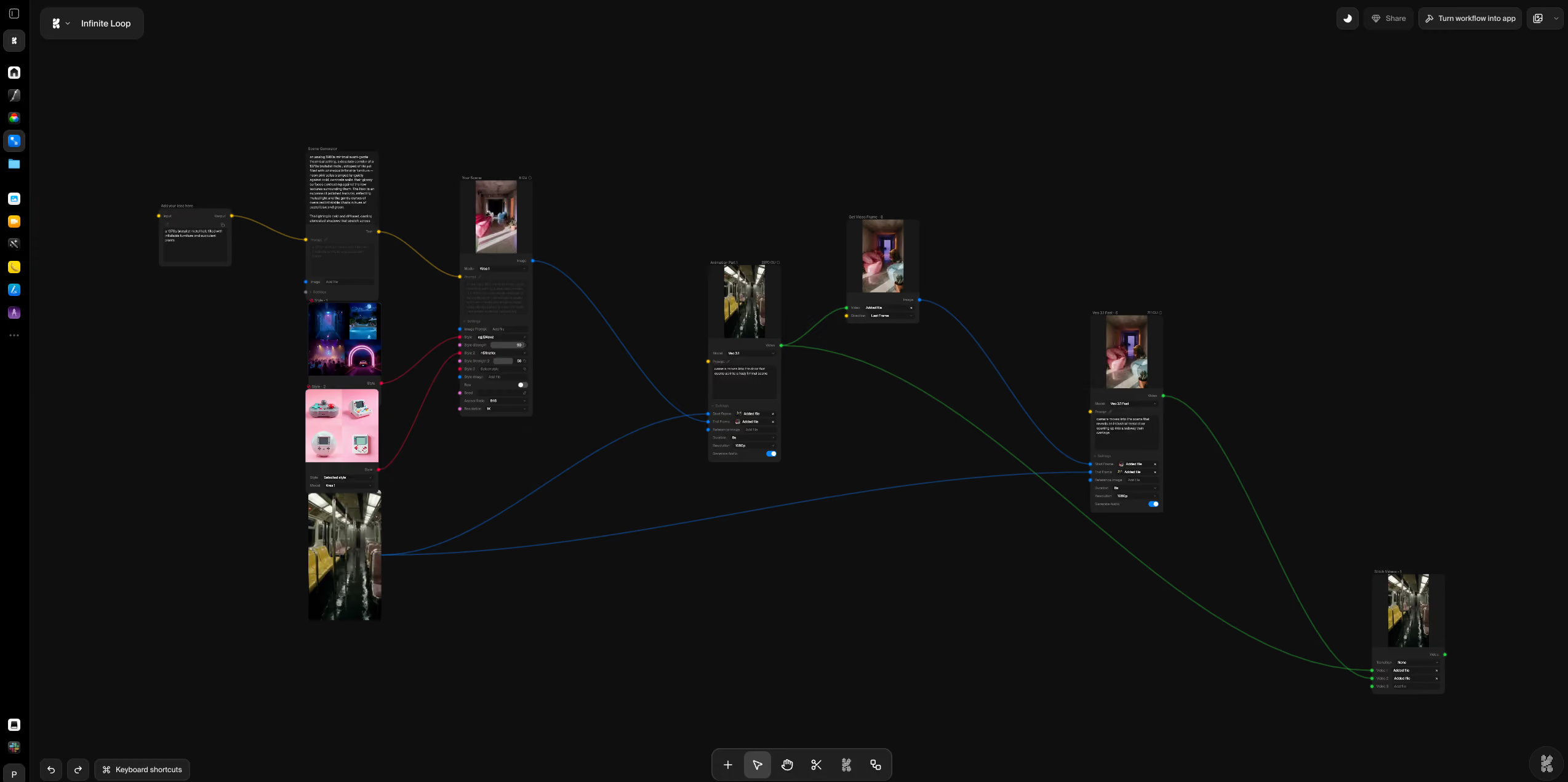
Best for: creatives and studios who want a fast, hands-on canvas with a node builder and every frontier image and video model under one subscription.
Where it falls short. It is still a tool you operate, so it does not keep a catalog on-brand for you, and heavy video use runs through credits quickly. It is built for creative exploration rather than catalog-wide production.
Pricing. A free plan gives about 100 units a day. On standard monthly billing, Basic is $9 (5,000 units), Pro is $35 (20,000 units) and Max is $105 (60,000 units), with Business and Enterprise above; annual billing saves about 40%. A commercial license and Krea Nodes are included from the Basic plan up.
Flair AI: art-direct product scenes on a canvas
Flair AI is a drag-and-drop scene canvas aimed at commerce and marketing. You place your product alongside props and 3D assets, set the lighting and camera, then generate, so you art-direct the shot rather than describe it in one prompt. It adds AI fashion models, virtual try-on, upscaling, variations, short product videos, bulk generation and templates, with API access on higher tiers. It is a natural pick if you want visual control over each scene and a steady stream of ad and social variations.
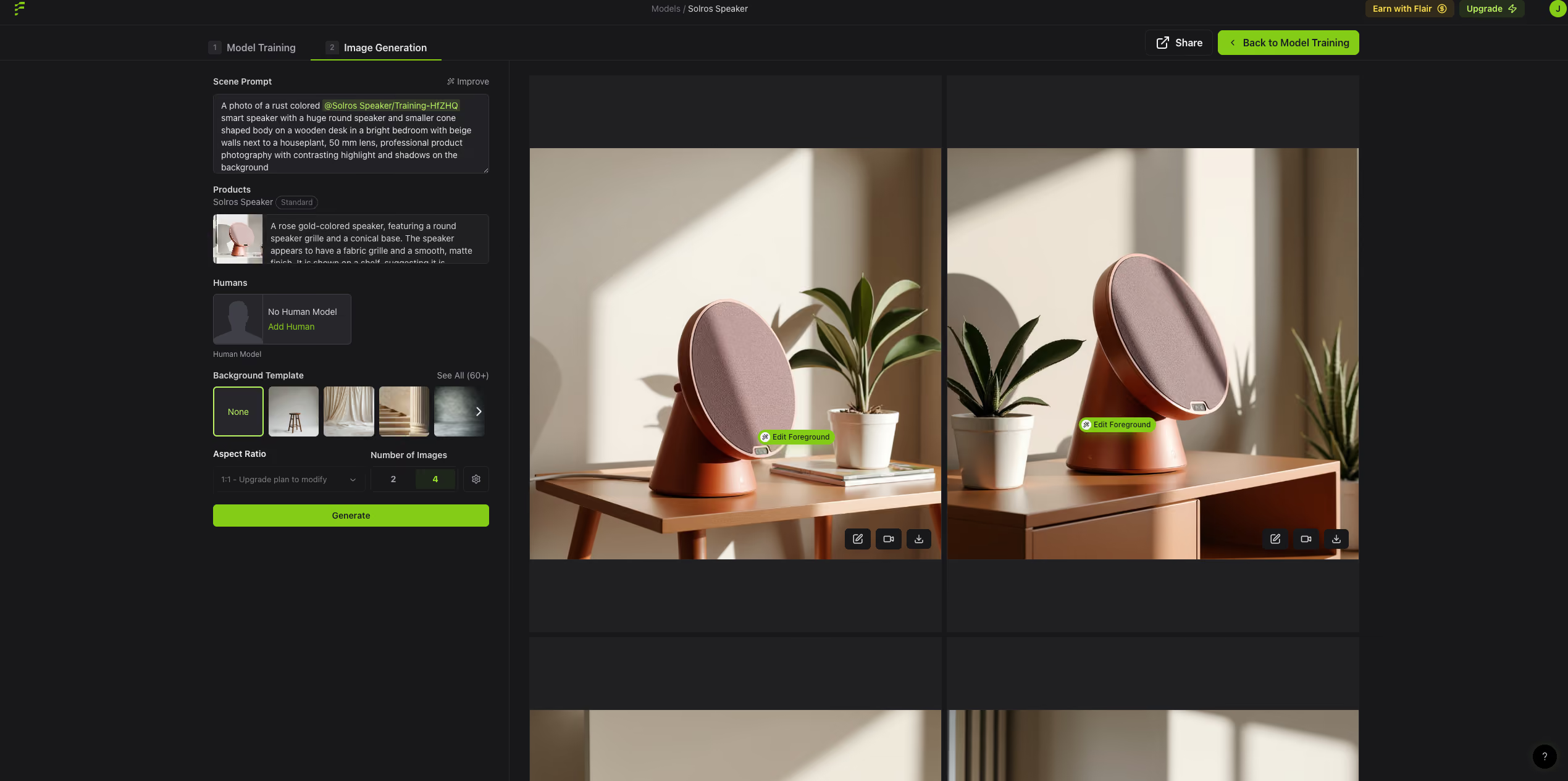
Best for: marketers, designers and agencies who want to compose product scenes and ad creatives on a canvas.
Where it falls short. In our experience, product fidelity can be a weak point, with fine text and reflective surfaces more prone to distortion, so test your hardest product first. A commercial license only unlocks from the Pro+ plan up, and image allowances per tier are modest for true catalog volume.
Pricing. The free plan gives 5 generated images and 1 video, with no commercial license. Pro is $10 a month, Pro+ is $35 a month (80 images, company commercial license), and Scale starts at $55 a month (150 images), scaling up on a slider, with Enterprise custom. Commercial rights begin at Pro+, so the real entry point for business use is $35. The prices are shown in dollars but the page does not label the currency, so confirm it.
Playground: simple image and design app
Playground is a lighter, image-first app for social posts and design graphics. You work on a simple canvas, generate with a few frontier models, and get design helpers like templates, upscaling, background removal and AI-extend. It is not a node tool and it does not do video, but it is easy to pick up and has a generous free tier, which makes it a good fit when you mostly need still images and quick design assets rather than a full craft pipeline.
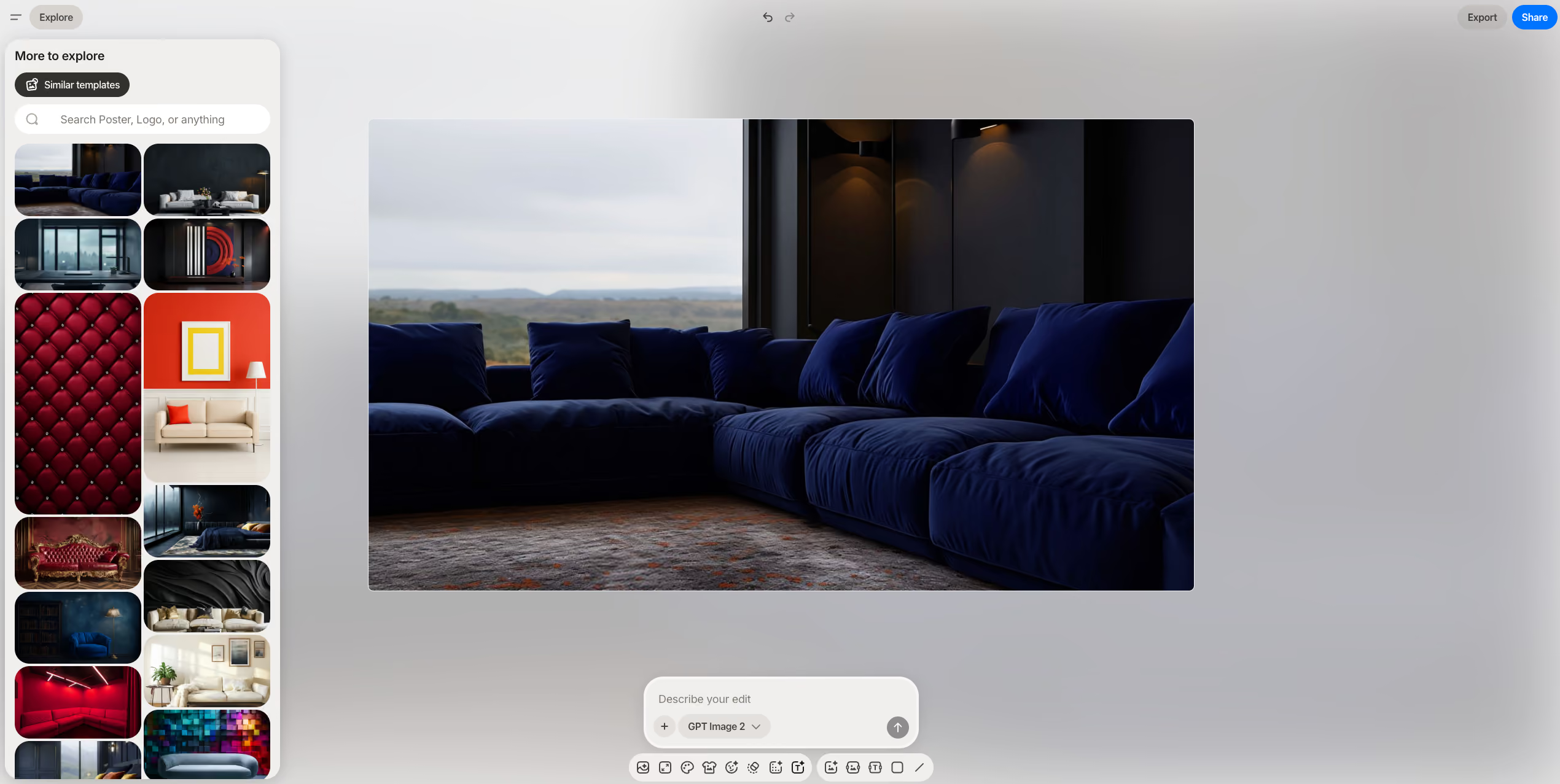
Best for: social and marketing teams who want quick, affordable still images and simple design tools, with a worldwide royalty-free license.
Where it falls short. It is image only, with no video and no node graph, and access to the top models is capped by monthly credits, so it is lighter than Weave or Krea for serious craft or motion.
Pricing. The free plan creates up to 10 images every 3 hours with a small monthly allowance across Nano Banana, GPT Image 2 and Seedream. Pro is $15 a month (up to 75 images every 3 hours and 150 monthly credits across those models), and Pro Plus is $45 a month (unlimited image generations, 1,000 monthly credits across all models, higher resolution and API eligibility). All plans carry a worldwide royalty-free license.
Recraft: design, vectors and on-style art
Recraft is the design specialist of the group. Beyond raster images, it generates true vector art, icons, 3D-style images and illustrations, and it lets you lock a consistent style across a set, which designers value for brand systems, websites and print. It works on a design canvas rather than a node graph, and it is the only tool here built around vector output, so it fills a gap the others leave open.
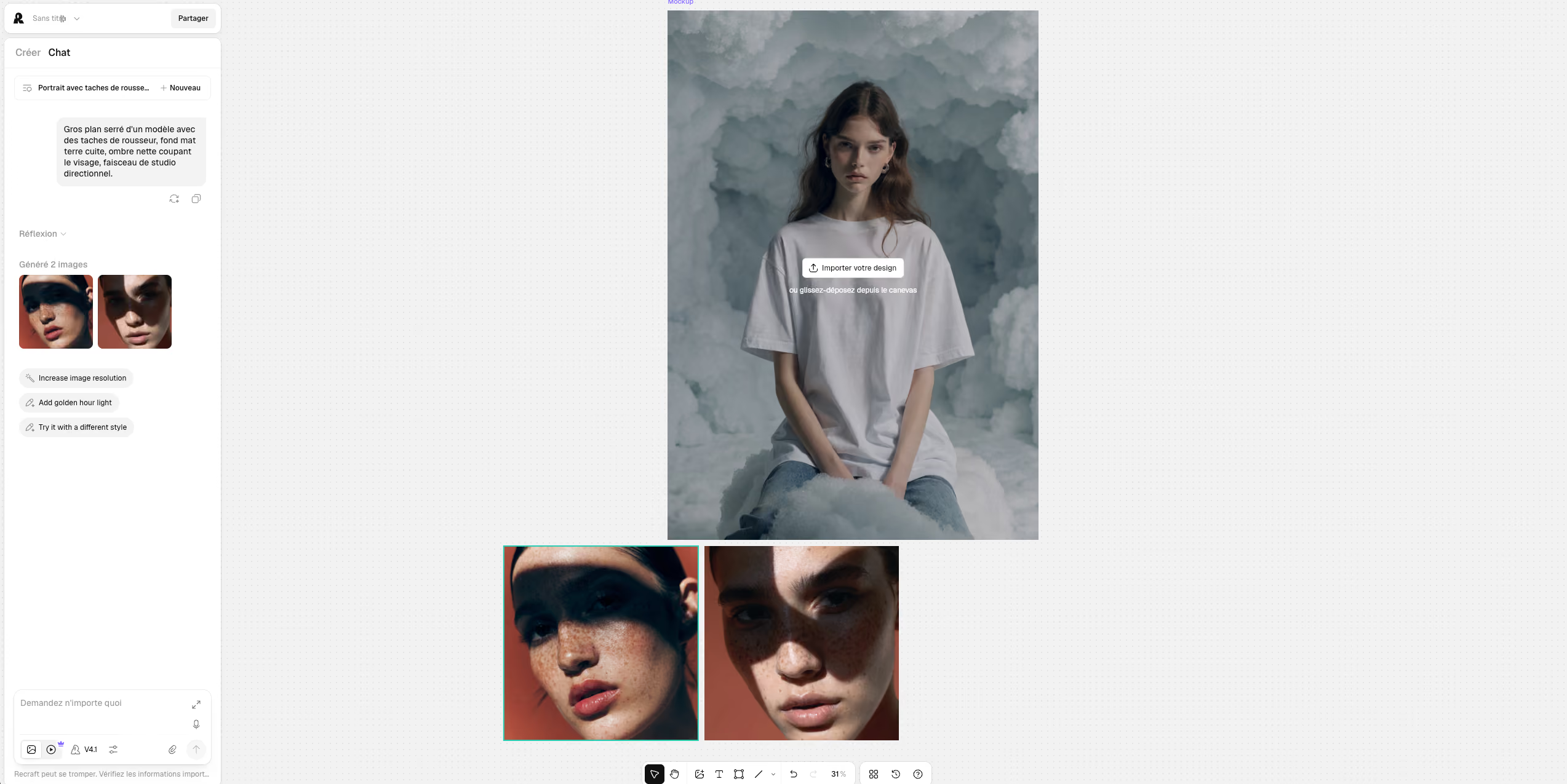
Best for: designers and brand teams who need vectors, icons and on-style illustrations, not just photographic images.
Where it falls short. It is focused on design and illustration, with no video, and its free plan grants no commercial rights (free output is public and owned by Recraft), so you need a paid plan to use anything commercially. It is not built for product photography or catalog production.
Pricing. The free plan gives 50 credits a day but no commercial use. Basic is $12 a month for 1,000 credits, and the Pro tiers scale by resolution at $20 (2K), $40 (4K) and $80 (8K) a month, with one credit per raster image and two per vector. All paid plans grant full ownership and commercial rights. Subscription credits reset monthly and do not roll over, though top-ups do not expire.
A different approach: an agent, not a canvas
The five tools above all put you at the controls. The alternative is to stop operating the interface and start briefing it. That is the shift Presti makes, and it matters most when the goal is not one crafted hero shot but many on-brand visuals across a catalog.
We did not reach this view from the outside. In February 2026 we shipped a node-based version of Presti, built on the same premise as the tools above: wire the workflow once, run it on hundreds of products. It worked when everything went to plan, and got painful the moment reality turned messy. A missing node became a blocker, an edge case broke the flow, a new input format created friction, and real inputs like PDFs and untidy CSVs were awkward to handle. Every fix made the platform heavier: more nodes, more parameters, more branching, until it was fine for a few power users and too much for everyone else. That is why we rebuilt Presti around an agent you brief rather than a graph you wire.
Presti: brief an agent instead of driving a canvas
Full disclosure: Presti is our own tool. We hold this section to the same factual standard as the others and are upfront about where a canvas is the better choice.
Presti is our AI visual production platform for product photography and video. Instead of a canvas you operate, it works like a teammate you brief: you describe the outcome and attach your product photo, the agent asks clarifying questions, plans the production and generates in batch. It produces packshots, lifestyle staging, 360° spins, product swaps and image-to-video, and a Brand Skill encodes your visual identity once so a large catalog stays on-brand. Like Weave and Krea, it routes each task to a fitting model rather than locking you to one, and it wraps everything in a team workspace with roles, in-context comments and approvals. It exports up to 4K, with upscaling to 8K and video to 1080p.
Best for: retailers, marketplaces and brands that need on-brand product photos, 360° spins and video at catalog scale, with team review built in.
Where it falls short. If you want to art-direct a single image pixel by pixel, or explore free-form creative and motion work, a hands-on canvas like Figma Weave or Krea gives you more direct control. Presti is built for on-brand product visuals and volume, not open-ended craft, and very complex or reflective products can still need a second pass.
Pricing. A free plan gives 60 credits a month, about 20 images or 2 videos. Pro starts at $49 a month for 500 credits, about 166 images or 16 videos, with a selectable higher volume, credit rollover, on-demand top-ups and unlimited content storage shared across unlimited users. An image is 3 credits and a video 30, so on Pro that is about $0.30 an image or $3 a video. For larger volumes, Enterprise and a done-for-you Managed Services option are custom, with SSO/SAML, API access, a dedicated CSM and an SLA, and per-image rates that come down toward $0.20.
Which Figma Weave alternative should you choose
Start with how you want to work, not the feature list.
- Stay on a canvas if you want to craft each shot. Krea AI is the closest all-model rival with a node builder, Flair AI suits art-directed product scenes and ads, Playground covers quick social and design images, and Recraft is the one to pick for vectors and on-style illustration.
- Switch to an agent when the goal is many on-brand visuals, not one crafted piece. Presti lets you brief the outcome and produce product photos, 360° spins and video across a catalog, with review built in.
- Not sure? Plenty of teams keep a canvas for hero shots and exploration, and add an agent for catalog volume. The two approaches are complementary.
Whichever you choose, test it on your own work first. Run your hardest product or your real brief through the free tier, look at fidelity and consistency rather than the demo reel, and only then commit to a plan.
Further reading: AI product photography tools: 6 compared for 2026.
What is the best Figma Weave alternative?
It depends on how you want to work. If you want to keep operating a canvas, Krea AI is the closest all-model rival, with Flair AI for product scenes, Playground for quick images and Recraft for vectors. If you would rather brief an agent and produce on-brand product visuals at scale, Presti is the pick.
Is there a free Figma Weave alternative?
Yes. Krea AI, Flair AI, Playground, Recraft and Presti all have free tiers, and Figma Weave itself gives 150 free credits a month. Free tiers are best for testing; check the commercial-use terms first, since Recraft's free output is non-commercial and Flair's commercial license only starts on a paid plan.
Figma Weave vs Krea AI: which is better?
They are close: both are hands-on canvases with node workflows and access to many frontier models. Figma Weave leans on professional editing and its tie-in to the Figma ecosystem, while Krea AI leans on real-time generation, breadth and aggressive upscaling. Choose Weave for craft and Figma integration, Krea for speed and every model in one place.
What is the cheapest Figma Weave alternative?
On entry price, Krea AI (Basic $9 a month), Flair AI (from $10) and Recraft (from $12) are the most affordable paid plans, with Playground at $15. Remember the real entry point depends on what you need: Flair's commercial license starts at $35, and video pushes credit use up on any of them.
Which Figma Weave alternative is best for product photography at scale?
For on-brand product visuals across a whole catalog, Presti is built for the job: you brief it, it produces product photos, 360° spins and video in batch and keeps a consistent look through a reusable brand profile, with team review. Flair AI is a good canvas option for art-directed product scenes, but the canvas tools in general are made for crafting individual pieces rather than catalog-wide production.
Do these tools use the same AI models?
Largely yes. Most of them route to the same frontier engines, so you will see names like Seedance, Sora, Veo, Kling, Flux, Ideogram, Nano Banana and Seedream across several tools. The difference is the workflow wrapped around those models, a node canvas, a design app, or a briefed agent, which is what actually shapes how you work and what you ship.

Updated on August 14, 2026
by Maximilien Lefevre
Chief of design at Presti, where he helps teams turn a rough idea into a finished product visual. He works with AI image and video models every day and knows the generation canvases these guides compare from the inside. Based in Paris.

Ready to enrich your entire catalog?
See how Presti generates every visual your PDPs need at any scale, automatically.